
- Deutsch |
- English

Compare Data Set Versions
- Open the Item List.
- Enter the GTIN and click “Apply filter”.
- Open the item detail page by clicking on the GTIN.
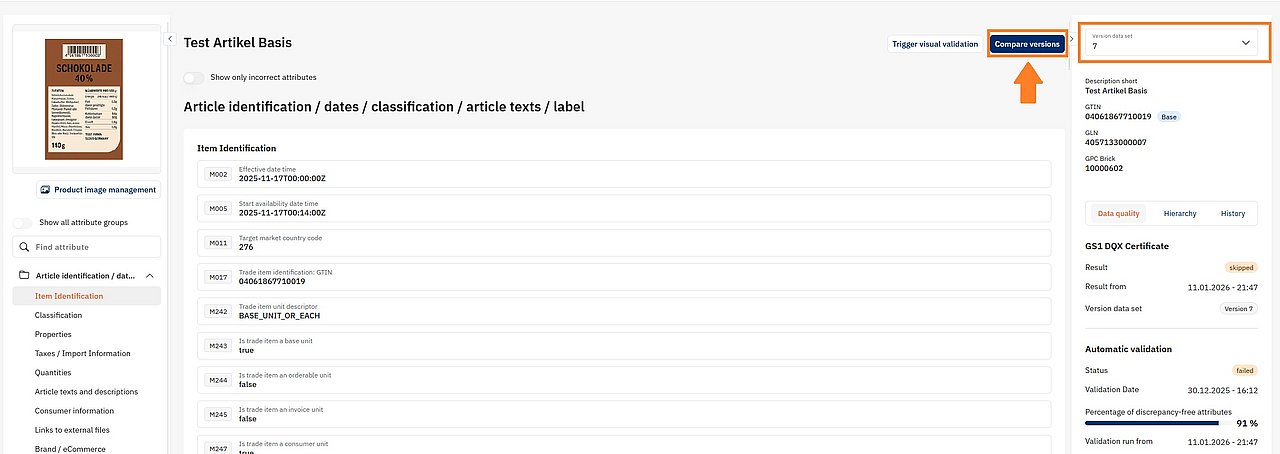
- In the upper right column, you will see the data set version currently displayed.
You can select another version to view it. - To compare two versions, click “Compare versions”.
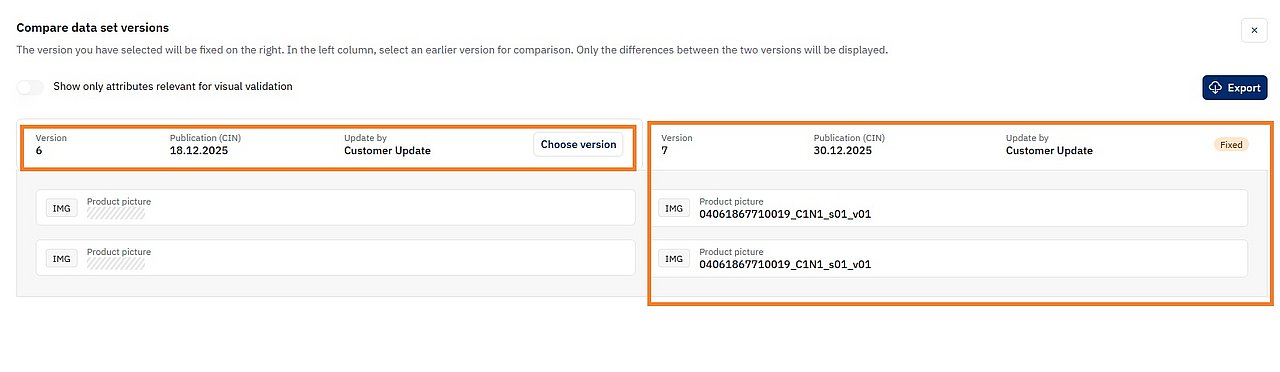
- On the left side, select the version you want to compare.
- The right side shows the previously selected version.
The following visual indicator
 means that the attribute is/was empty.
means that the attribute is/was empty.