
- Deutsch |
- English

Image Upload
You have two options for uploading images required for the visual validation.
Option 1: Upload multiple product images for different items
- Open the Item List page.
- Click “Upload images for visual validation”.
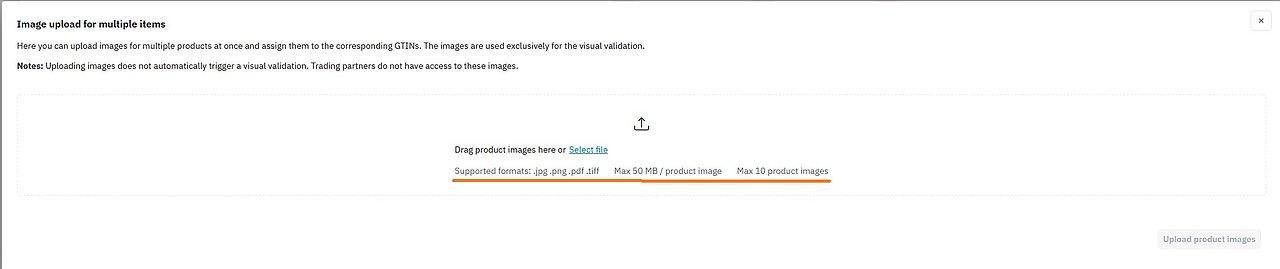
- Drag and drop one or several images into the upload field or select them manually.
- Assign each image to the correct GTIN.
Note: Please observe the allowed formats, file size limits and maximum number of images.
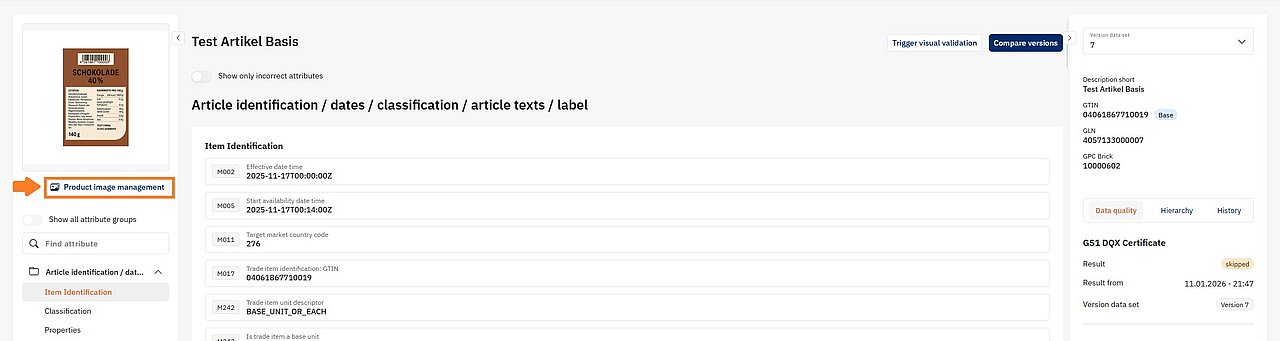
After a successful upload, the images will appear on the item detail page under Product image management. You can open the detail page by clicking the corresponding GTIN in the Item List.

Option 2: Upload product images for a specific item
- Open the Item List.
- Enter the item’s GTIN and click “Apply filter”.
- Open the item detail page by clicking the GTIN.
- Click Product image management.
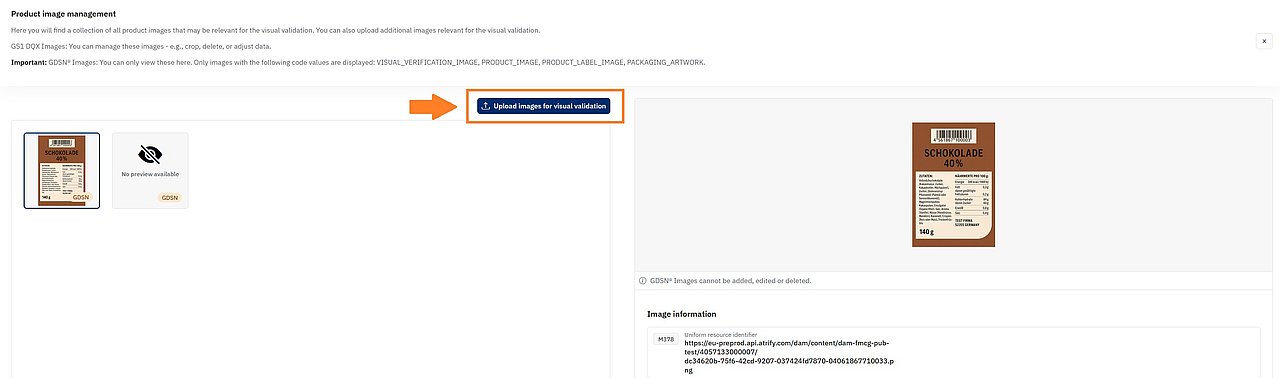
- Then click “Upload images for visual validation”.
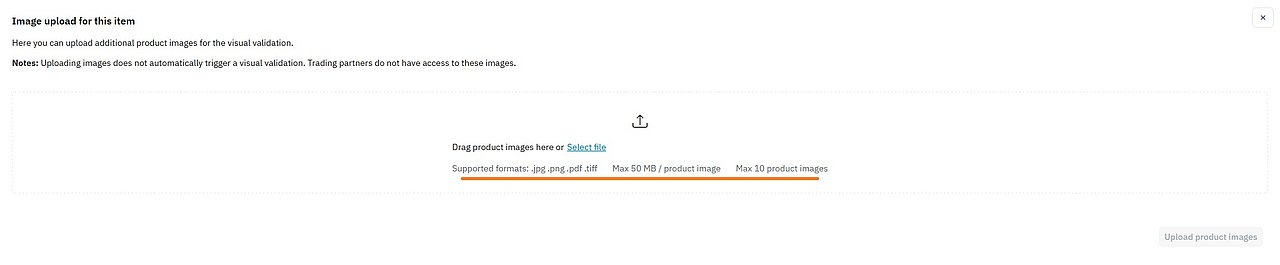
- Upload one or several images for this item.
Note: Please observe allowed formats, sizes, and quantity.
After successful upload, you will find the images under Product image management.