
- Deutsch |
- English

Trigger Visual Validation
- Open the Item List.
- Enter the GTIN and click “Apply filter”.
- Open the item detail page with a click on the GTIN.
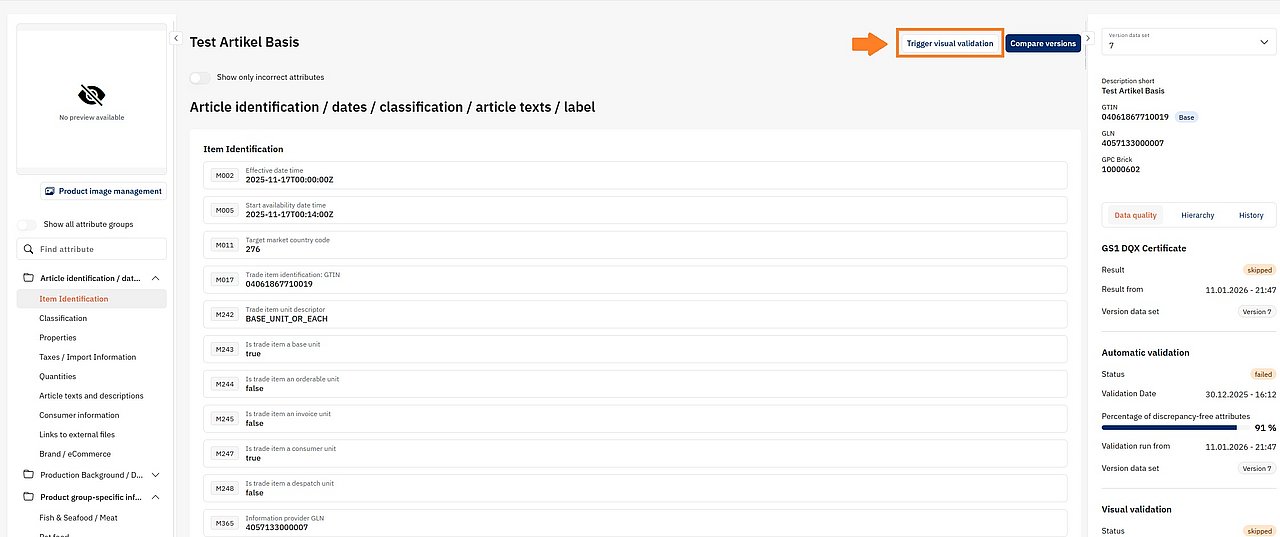
- Click “Trigger visual validation”.
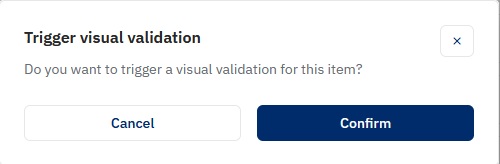
- A confirmation dialog appears. Confirm to trigger the visual validation.