
- Deutsch |
- English

View Validations Results
1. Validation Results Overview
Open the Item List. For each GTIN, the status is displayed: Automatic validation, Visual validation, GS1 DQX Certificate

2. Detailed Validation Results
To find a specific item, use the filter:
- Enter the GTIN (14 digits)
- Click “Apply filter”
- Click the desired GTIN
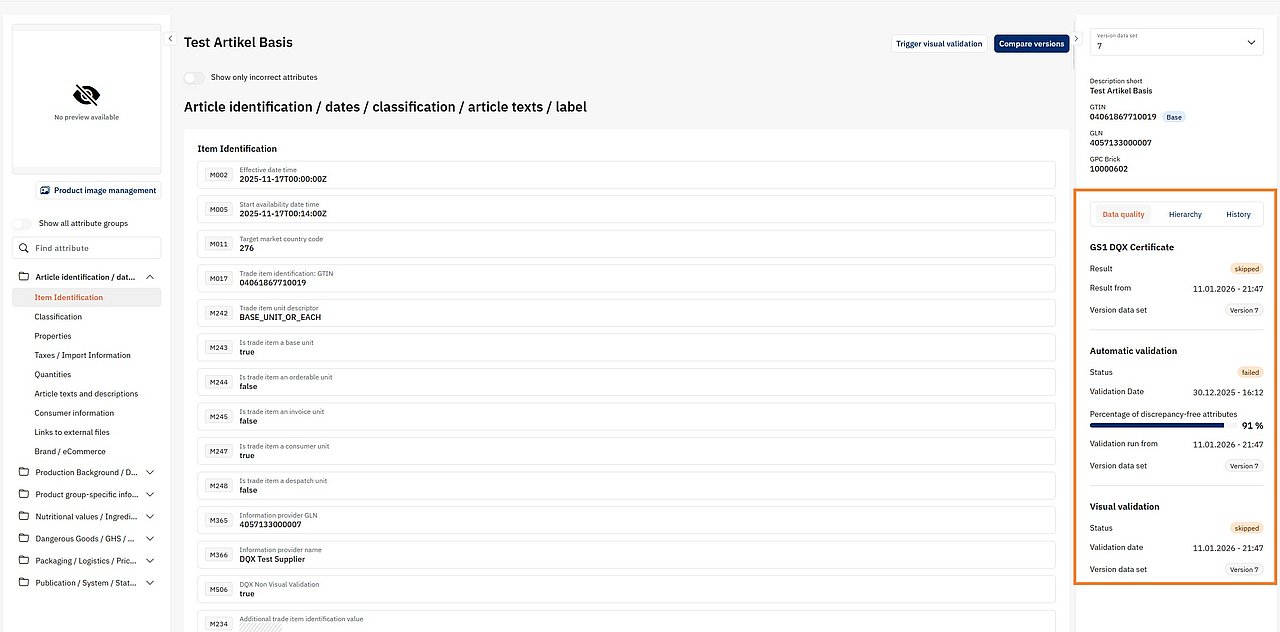
You will be taken to the item detail page. In the right column “Data Quality”, you will see the current status.
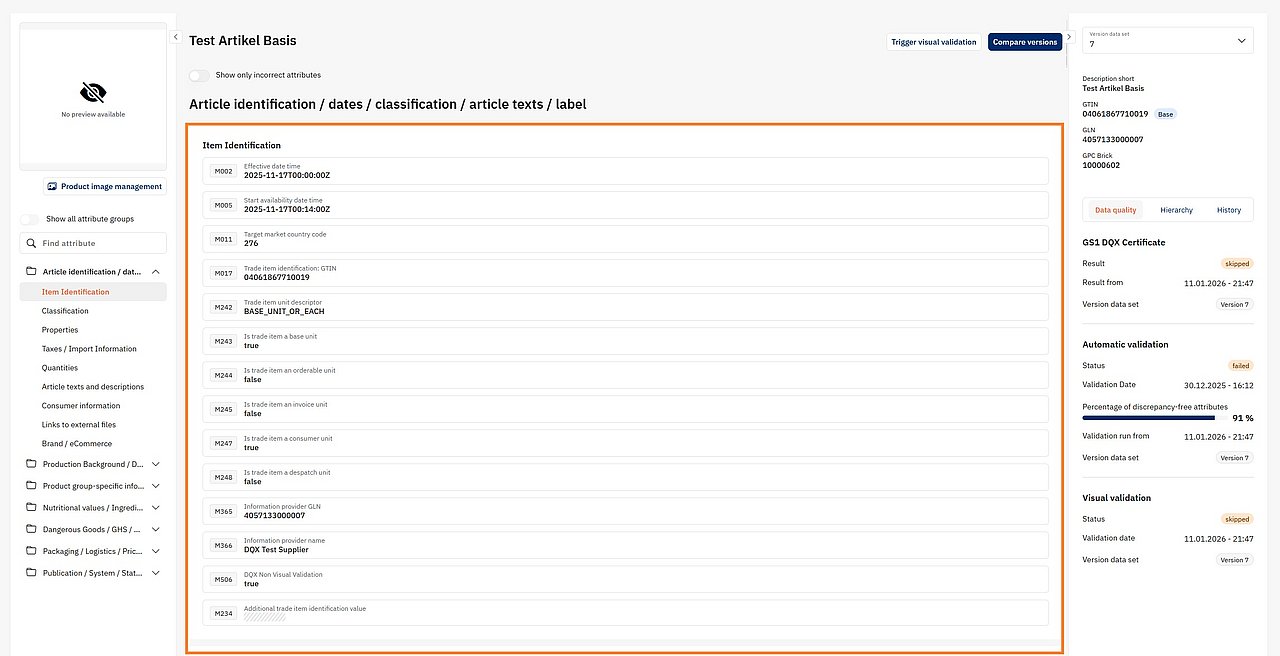
In the middle section, the results per attribute are displayed.

You can choose to display only failed attributes.
Meaning of the results:
✓ = Visual validation passed
X = Visual validation failed
O = Not relevant
! = Validation passed with/including comment
 Error in validation rule VR001160